Two shelves
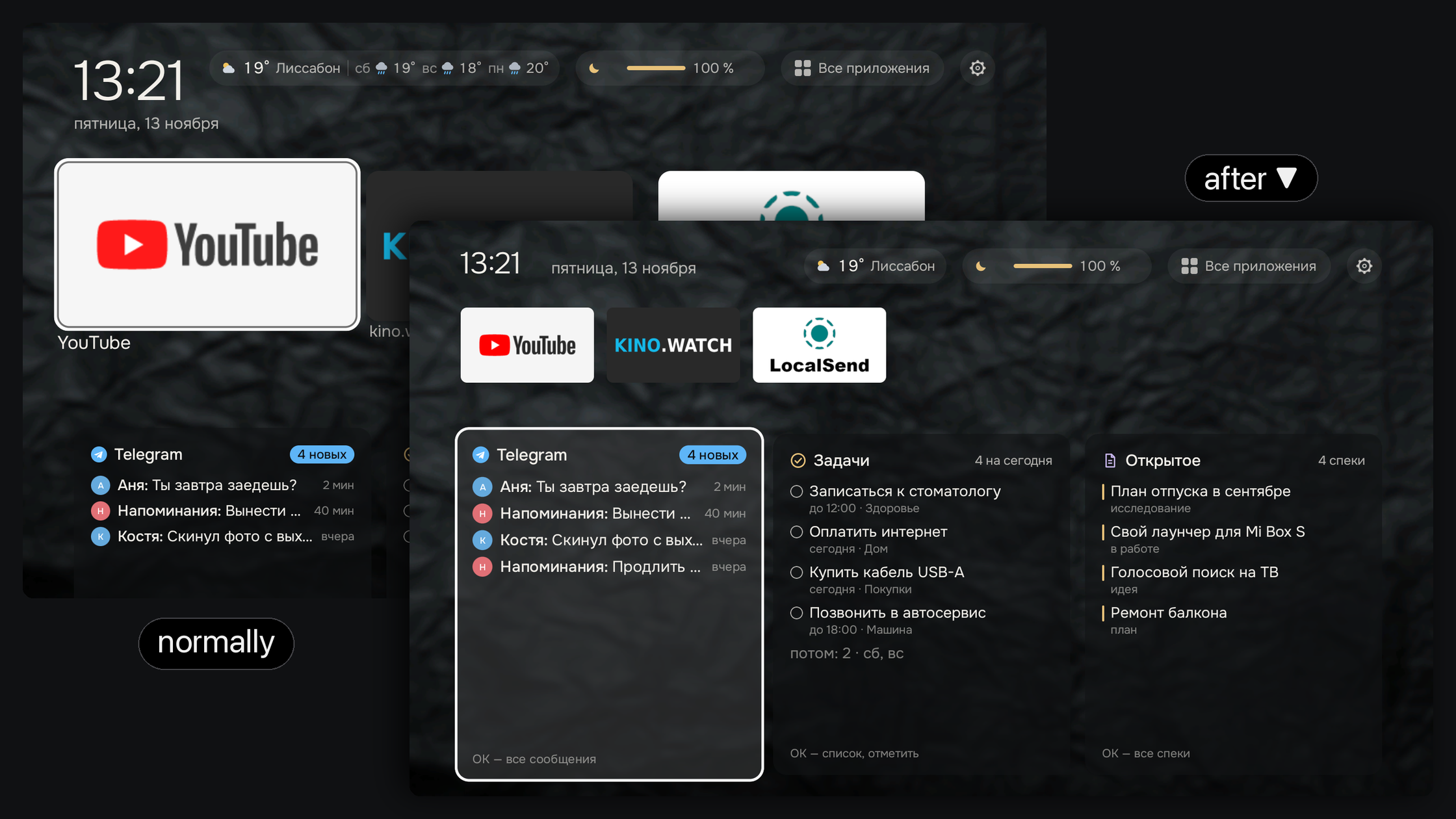
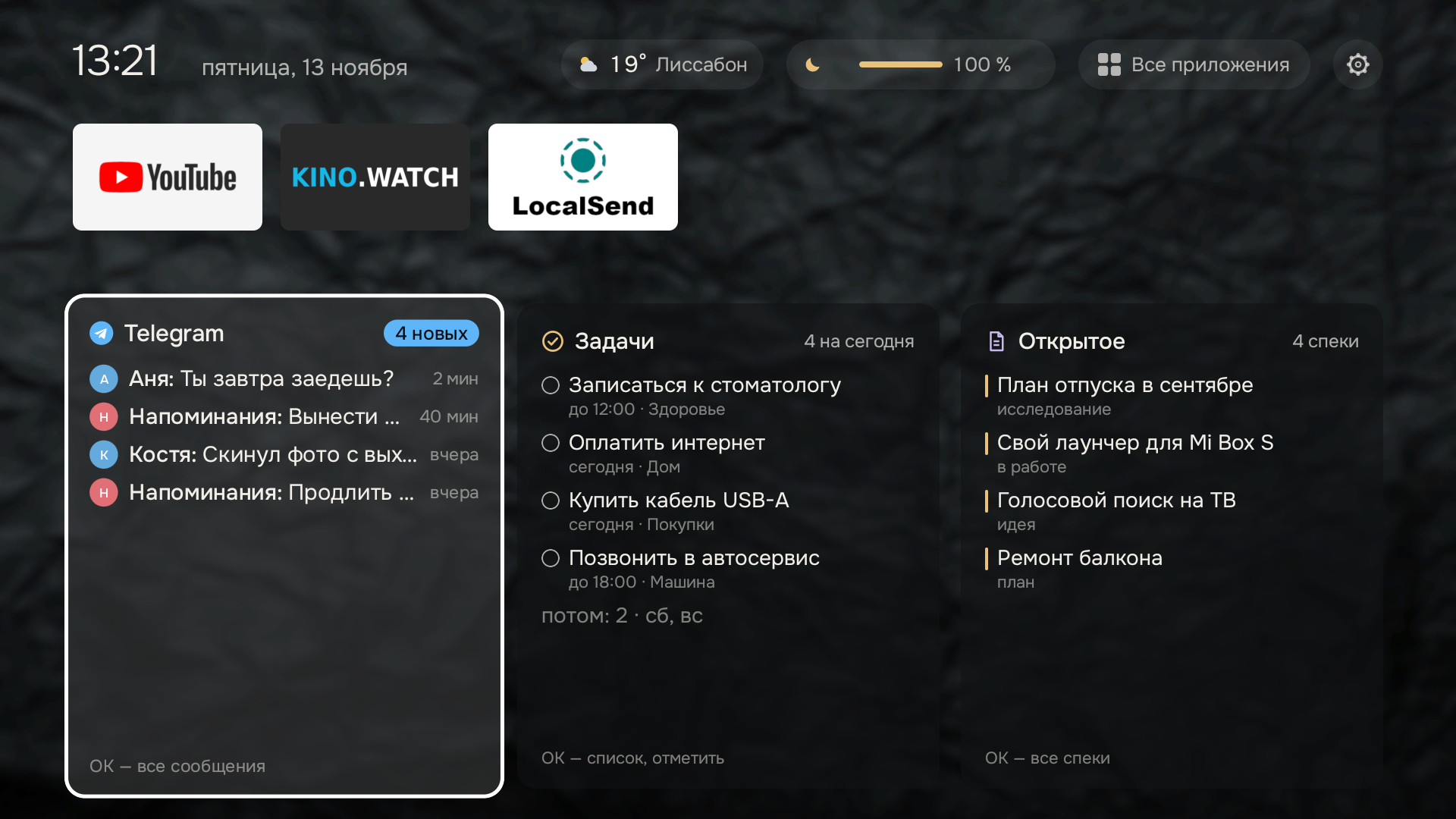
Apps in one row on top. Press ▼ and the row shrinks while the cards below open up: unread personal Telegram chats, today's tasks and open specs — notes on your own projects. Your own things, not recommendations.
A home screen for Android TV: apps on top, your messages and tasks right below
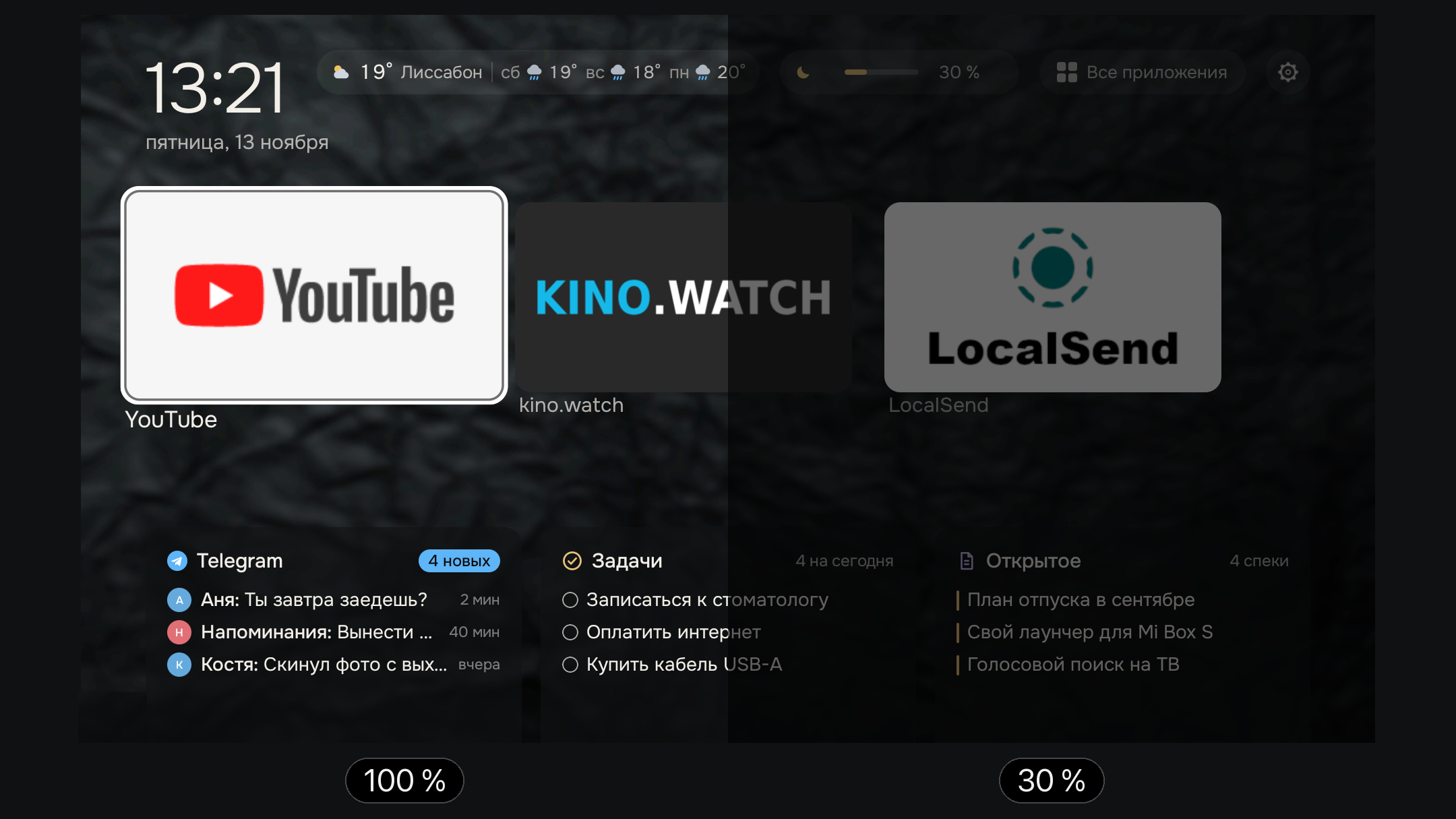
Favourite apps in one row, personal messages and today's tasks right below, and the channel keys dim the screen.
Private service — runs for its own users
I want to try it — message on TelegramApps in one row on top. Press ▼ and the row shrinks while the cards below open up: unread personal Telegram chats, today's tasks and open specs — notes on your own projects. Your own things, not recommendations.
Channel up and down dim the screen in any app — no separate dimmer needed, and the bias lighting behind the TV stays as it is. Leave the remote alone for a while and the screen dims by itself.
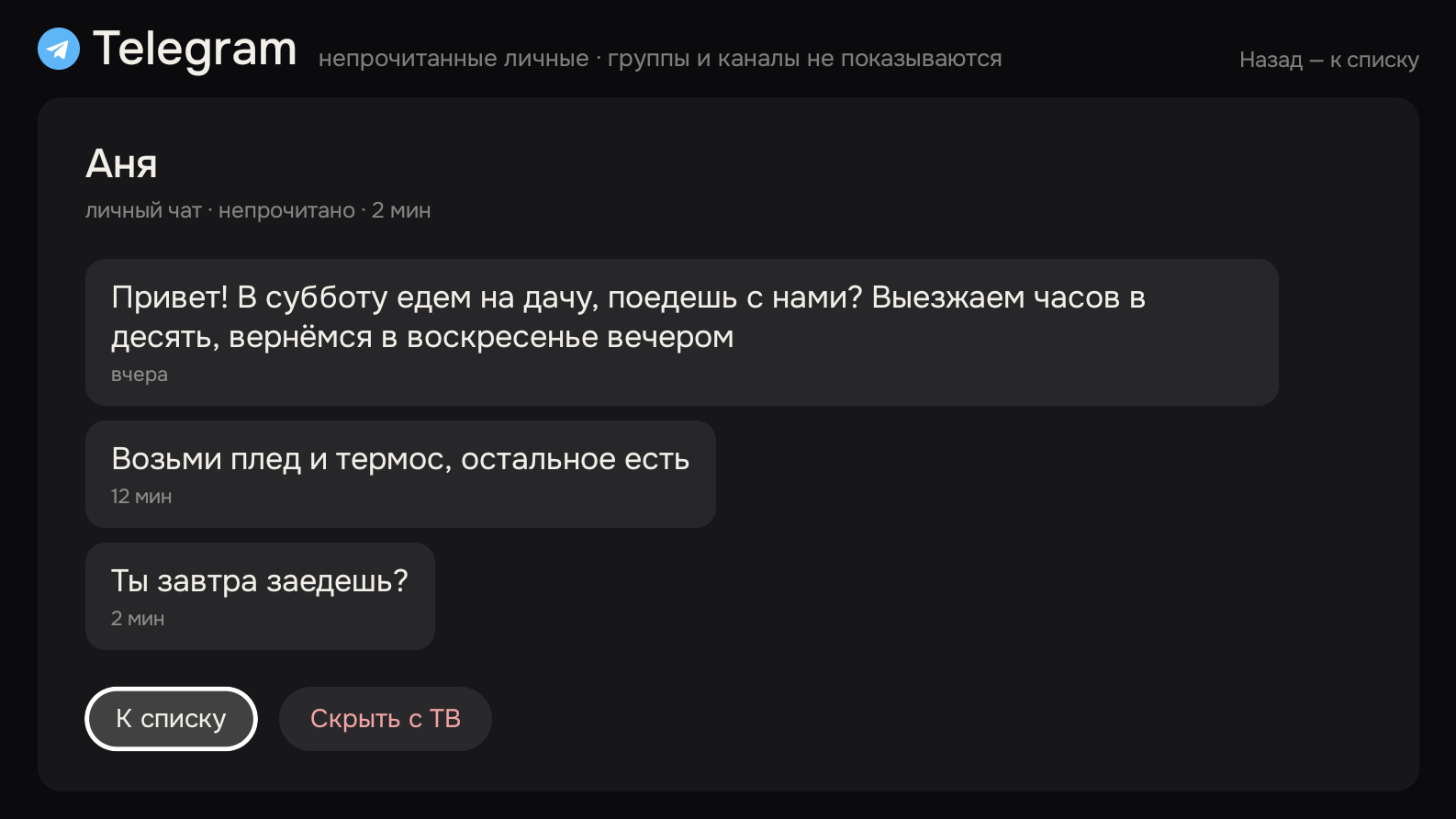
Only unread personal Telegram chats; groups and channels never show up. A message is read in full with the remote, and nothing is marked as read in Telegram itself.
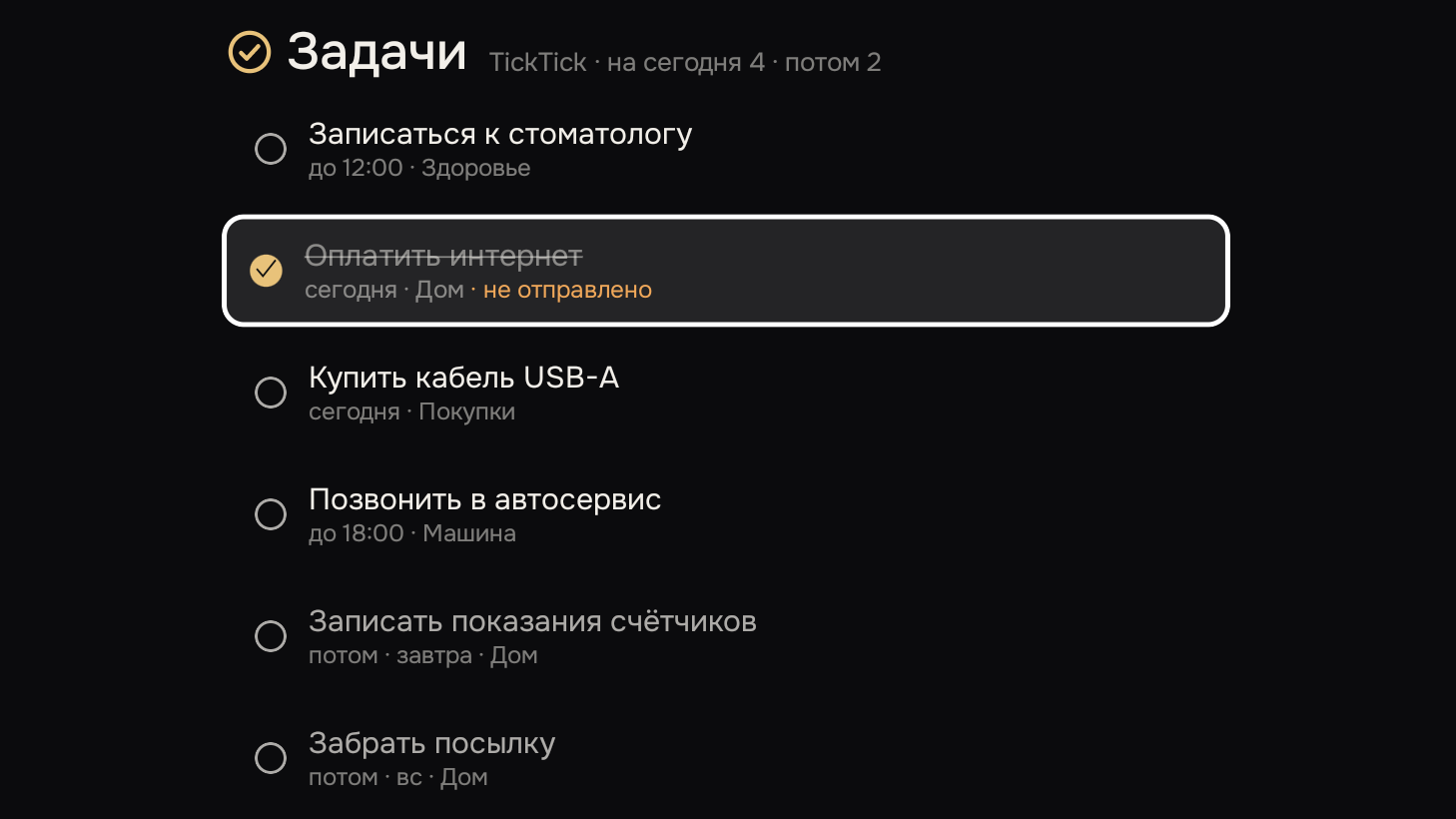
Today's TickTick tasks: press OK and it's done, with 90 seconds to change your mind. No connection — the tick goes out later on its own.
Built for one box and not distributed: chats and tasks come from my own server, and the Telegram and TickTick sign-ins live there, not on the box. Voice search for it is Golos.
Also: guest mode — hold OK on a card and chats, tasks and notes are hidden; a dark screensaver when the remote sits idle; long-press OK on a tile to move it or take it off the shelf.
Android TV 11, runs on a Xiaomi Mi Box S · about 70 MB of memory on the home screen · interface in Russian only