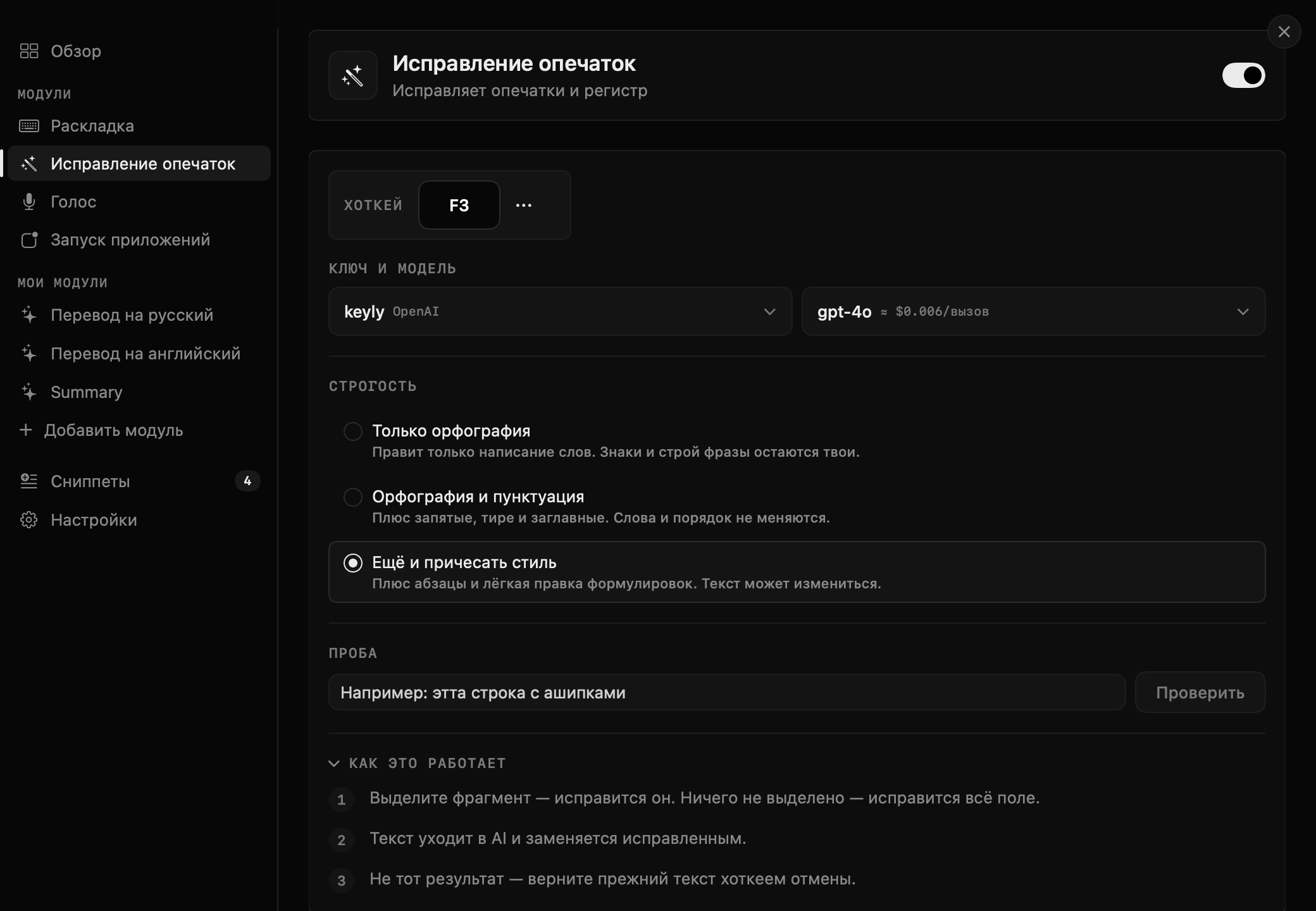
Typo fixing
A hotkey sends the text to your model and swaps it for the corrected one — right in the window you are typing in.
needs your own keyKeyboard layout, typos and voice to text with one hotkey

Keyly lives in the Mac menu bar and fixes text where you write it. Free, macOS 15 or newer.
Coming soon
Typed “ghbdtn” instead of “привет”? One keystroke puts the word right. The active keyboard switches by itself.
This is Russian typed in the Latin layout — press the button and it snaps back
A hotkey sends the text to your model and swaps it for the corrected one — right in the window you are typing in.
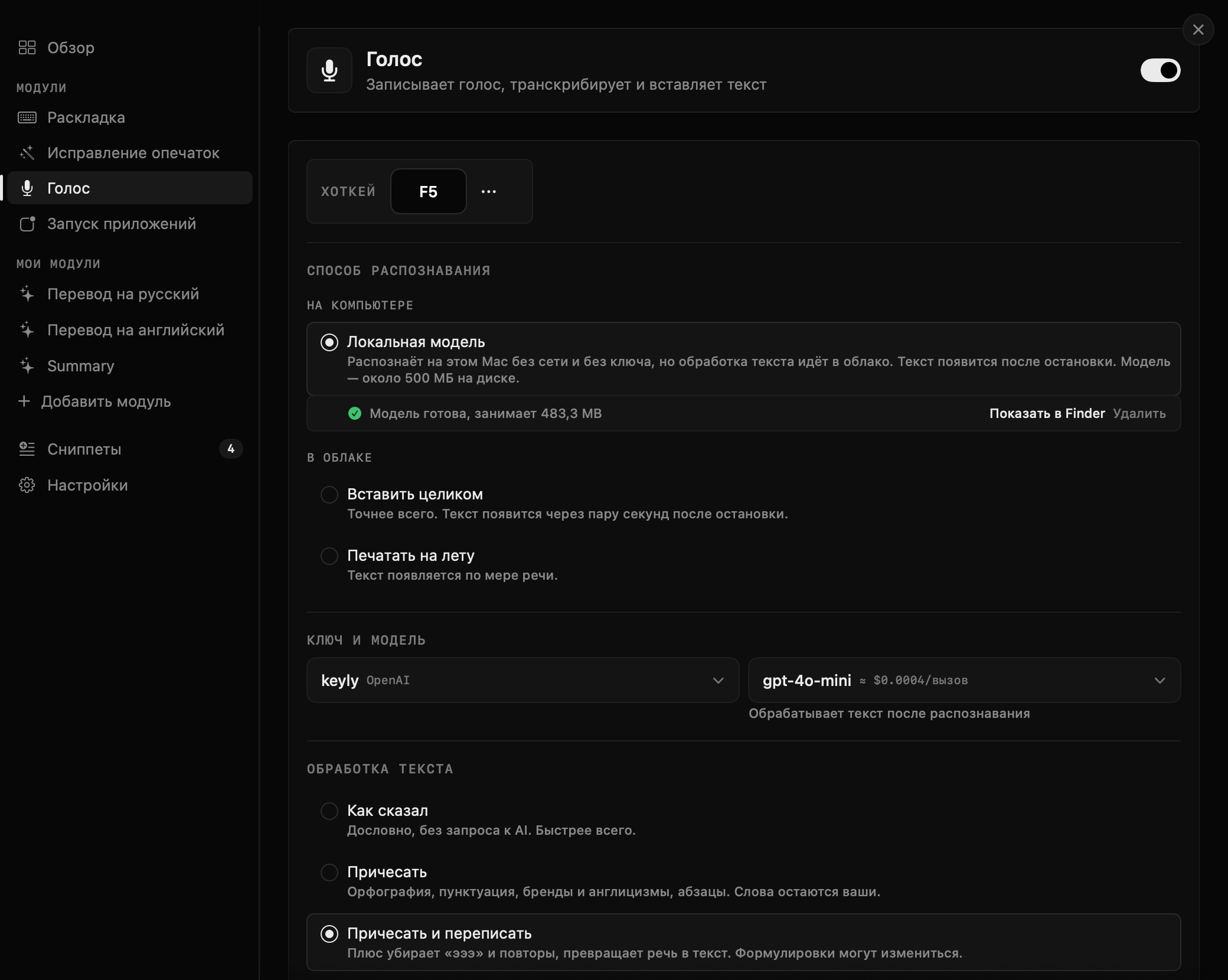
needs your own keyPress once and speak, press again and the text is already in the field. On-device recognition works without internet and without a key; the cloud one is more accurate and uses your key.
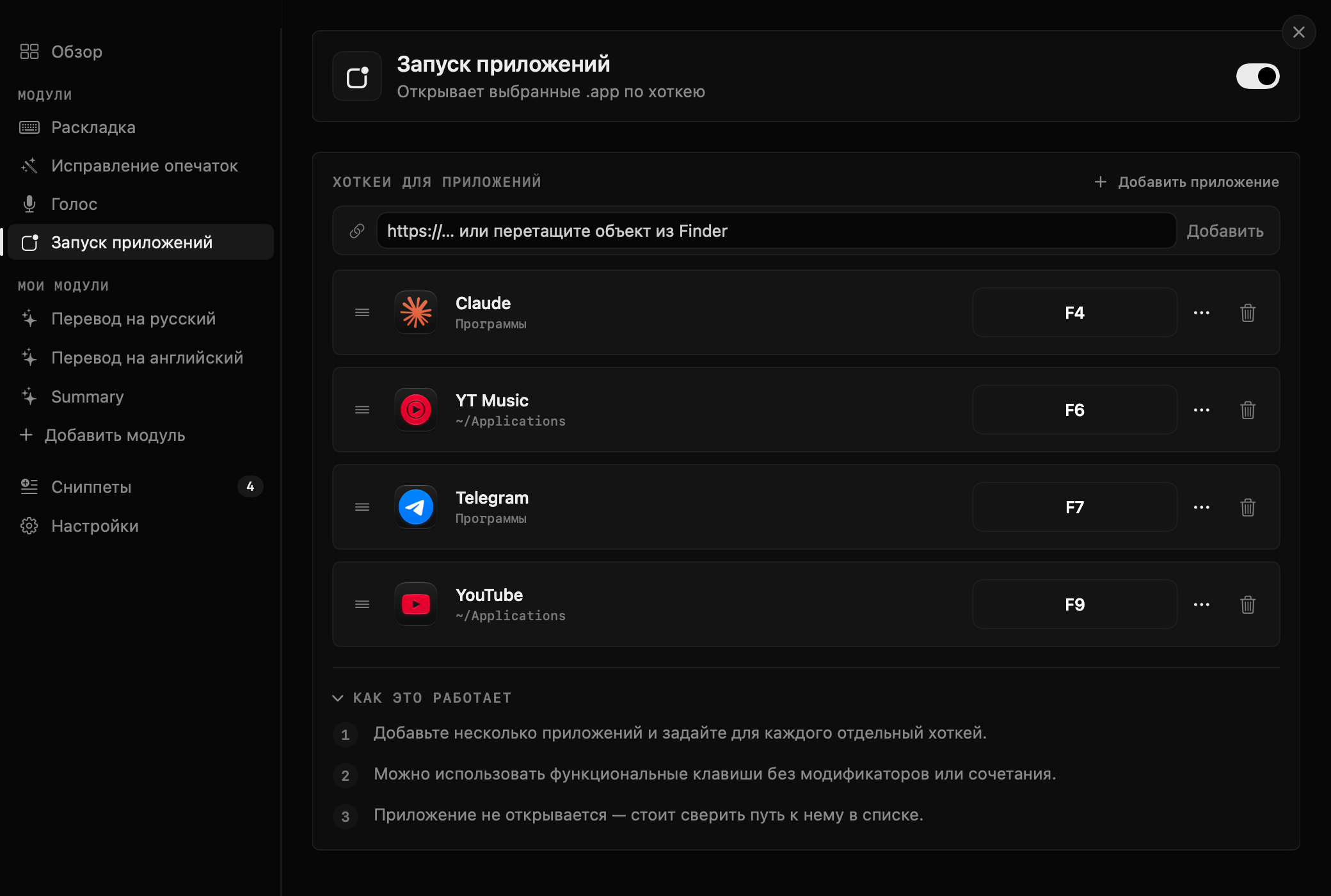
needs your own keyYour everyday apps open on their own shortcut — no Spotlight, no mouse.
It works in any window with a text field: no copying the text into a separate app and pasting it back.
A shortcut can sit on F1–F19, brightness, volume and media keys — Keyly catches them before the system does. Other utilities cannot do this.
Keyly reads keystrokes and records the microphone — switching layouts and recognising speech is impossible otherwise. The only things that leave your computer are what you send for processing yourself: text for typo fixing and voice recordings, sent to OpenAI or Google Gemini with your own key.
Nothing leaves when on-device recognition is on, or when you only use layout switching. I store Your model key lives in your Mac’s keychain — it is never sent to me. I store nothing on my side: the site just hands you a file.