Always in sight
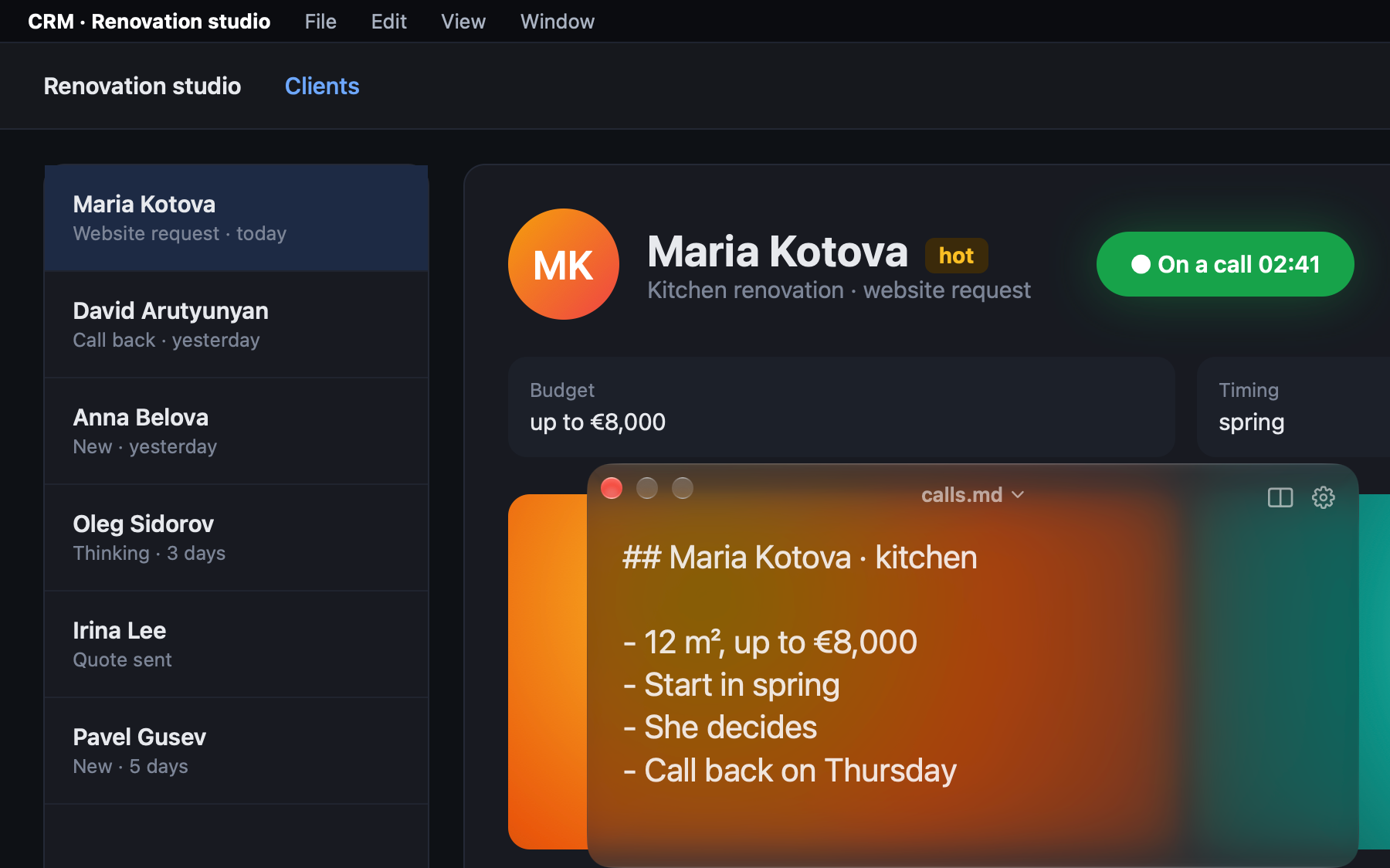
Press ⌃⌥J and the window floats above any app, even a full-screen one. Focus stays where you work — your dialer, browser or CRM. Press ⌃⌥J again to hide it.
A cheat sheet above every window: one hotkey, and your notes float over any app
You type, it's saved. The window stays above your dialer, browser and full-screen apps without stealing focus.
Press ⌃⌥J and the window floats above any app, even a full-screen one. Focus stays where you work — your dialer, browser or CRM. Press ⌃⌥J again to hide it.
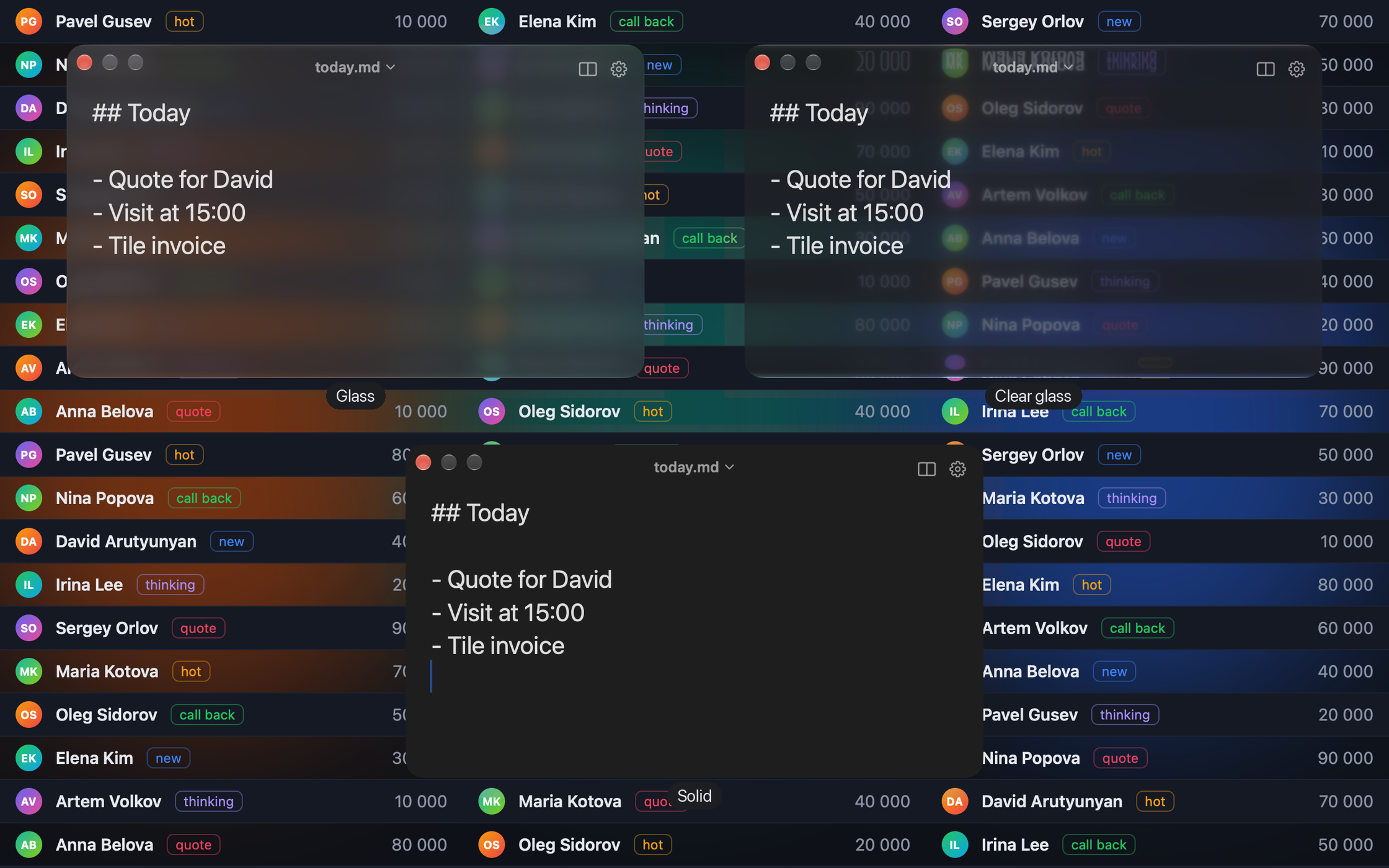
Glass, clear glass or a solid background — you decide how much the window lets through. Light and dark follow your system.
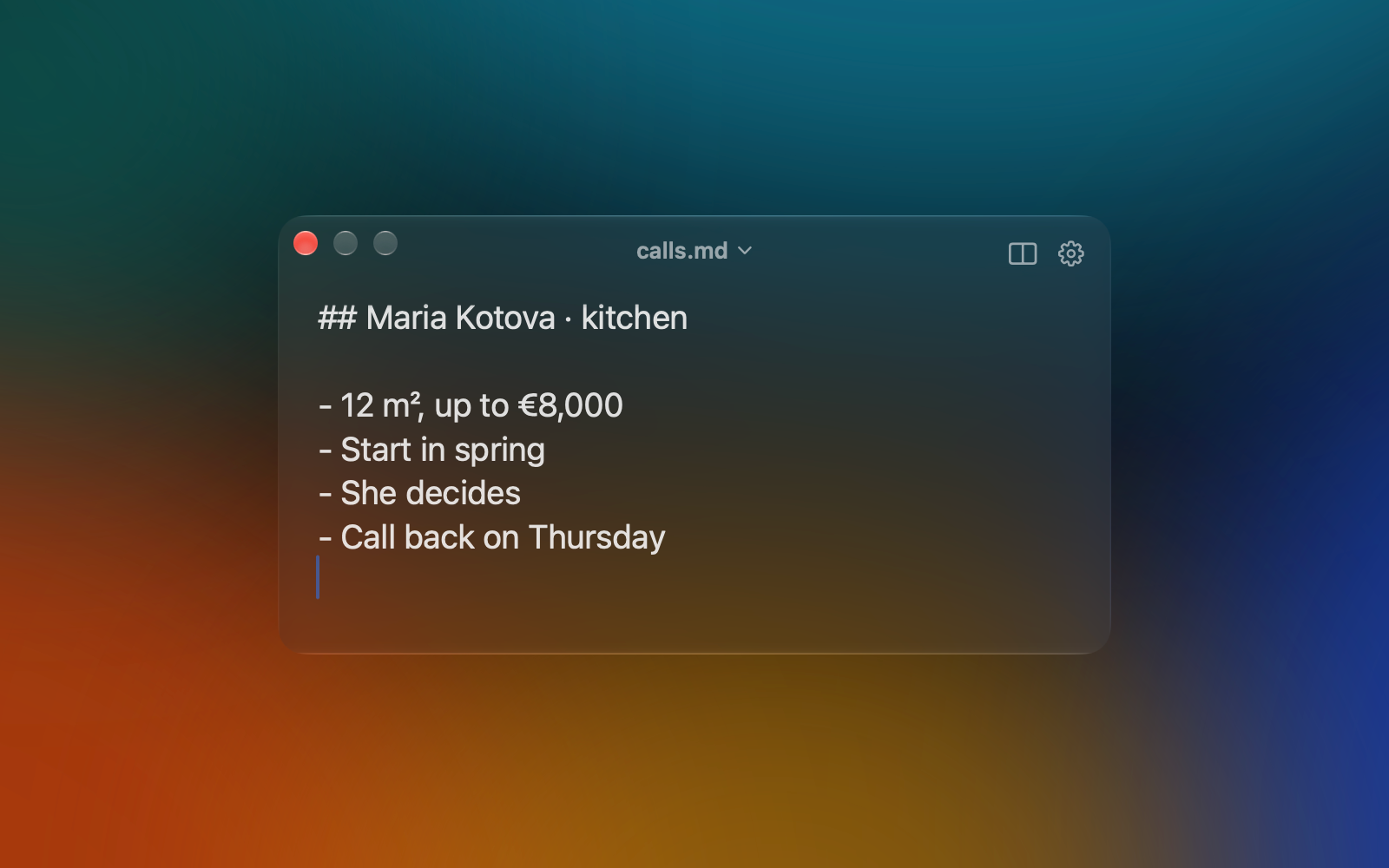
The window is your .md file: no Save button, changes hit the disk in a fraction of a second. Edit the file in Obsidian and the window picks it up; edited from both sides at once — your version is kept as a copy next to it.
⌘T inserts a date-and-time line, ⌘F searches, ⌘+ and ⌘− change text size, ⌘O opens the file in your editor, Esc hides the window. They work on any keyboard layout, and the hotkeys are yours to change.
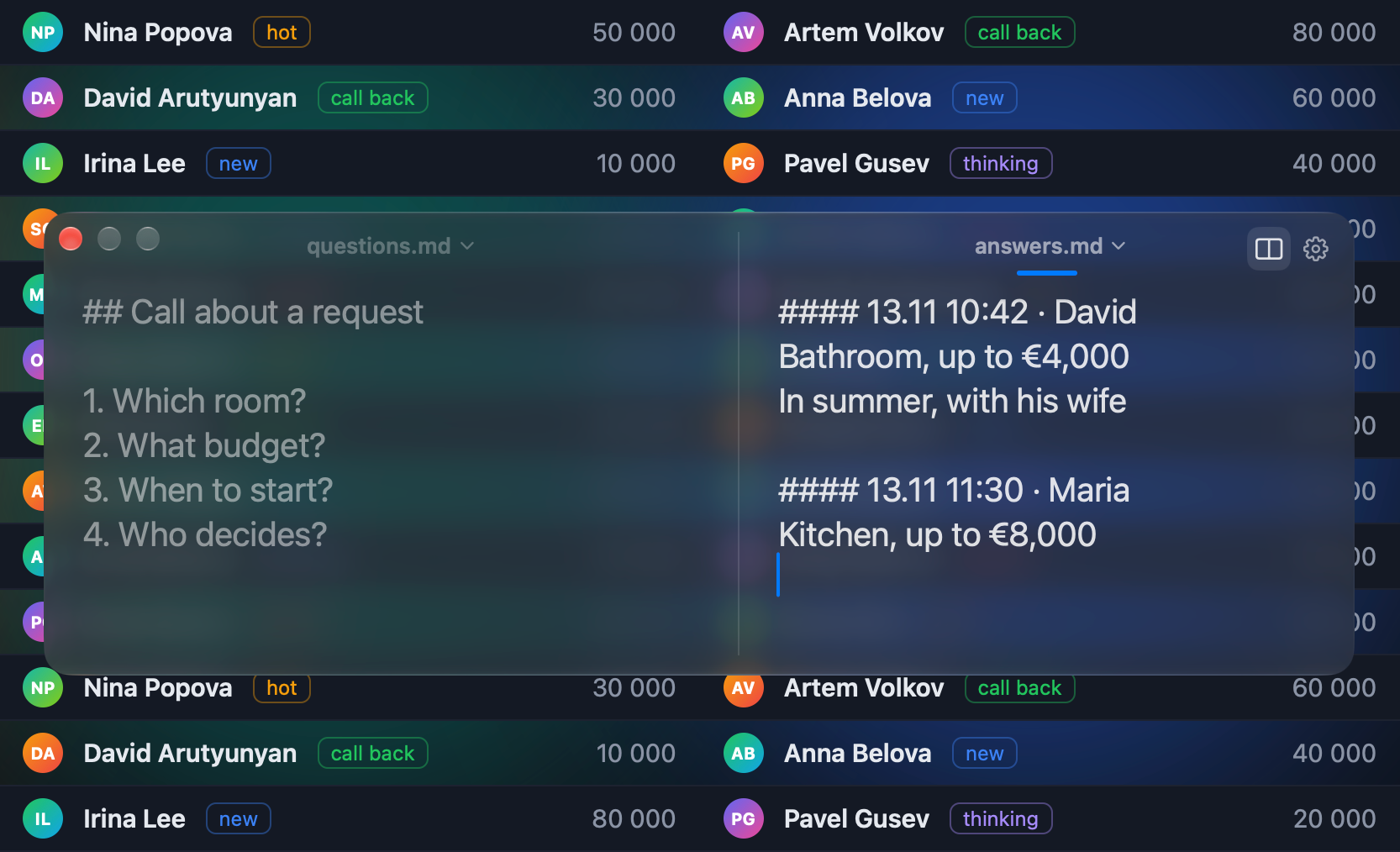
Remembers the window size and place. Pick any file from the menu under its name. Dock and menu-bar icons are optional, it can open at login, and it speaks English and Russian. Coming from Markie? Your file list is picked up automatically.